Header Logo

Request an Appointment
Book From Your Phone
We use The Scheduling App for appointments. Here’s how to get set up.
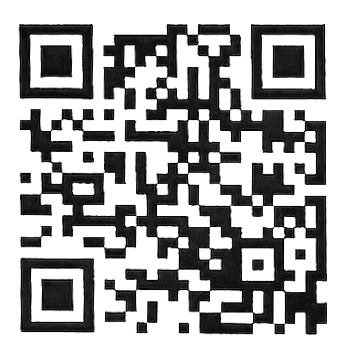
On a computer? Scan this with your phone’s camera.
- Scan the QR code with your phone’s camera, or tap the button below.
- Download The Scheduling App.
- Enter our clinic ID:
RESZZH - Register using the email address and cell phone number you have on file with us.
Opens the App Store or Google Play, depending on your phone.
